Notion Project Tracker for Architectural Studios
A central project management hub built specifically for architecture practices
Running an architectural studio means managing dozens — sometimes hundreds — of live projects at once. This Notion Project Tracker for Architectural Firms has been purpose-built to give studio leaders and teams a single, clear source of truth for every project, without overcomplicating workflows or exposing sensitive information.
Designed for internal use only, this tracker is not a client portal. It is a studio operations tool that helps you maintain oversight, accountability, and clarity across all stages of your projects.
Designed for Architectural Practices
This tracker has been developed for studios handling a high volume of projects per year, where visibility, consistency, and team ownership are critical.
To protect sensitive business information:
- Billing is recorded as percentages only, not dollar values
- Financial data remains comparable across projects without exposing revenue
- The system is designed to support internal decision-making, not external reporting
Views Included
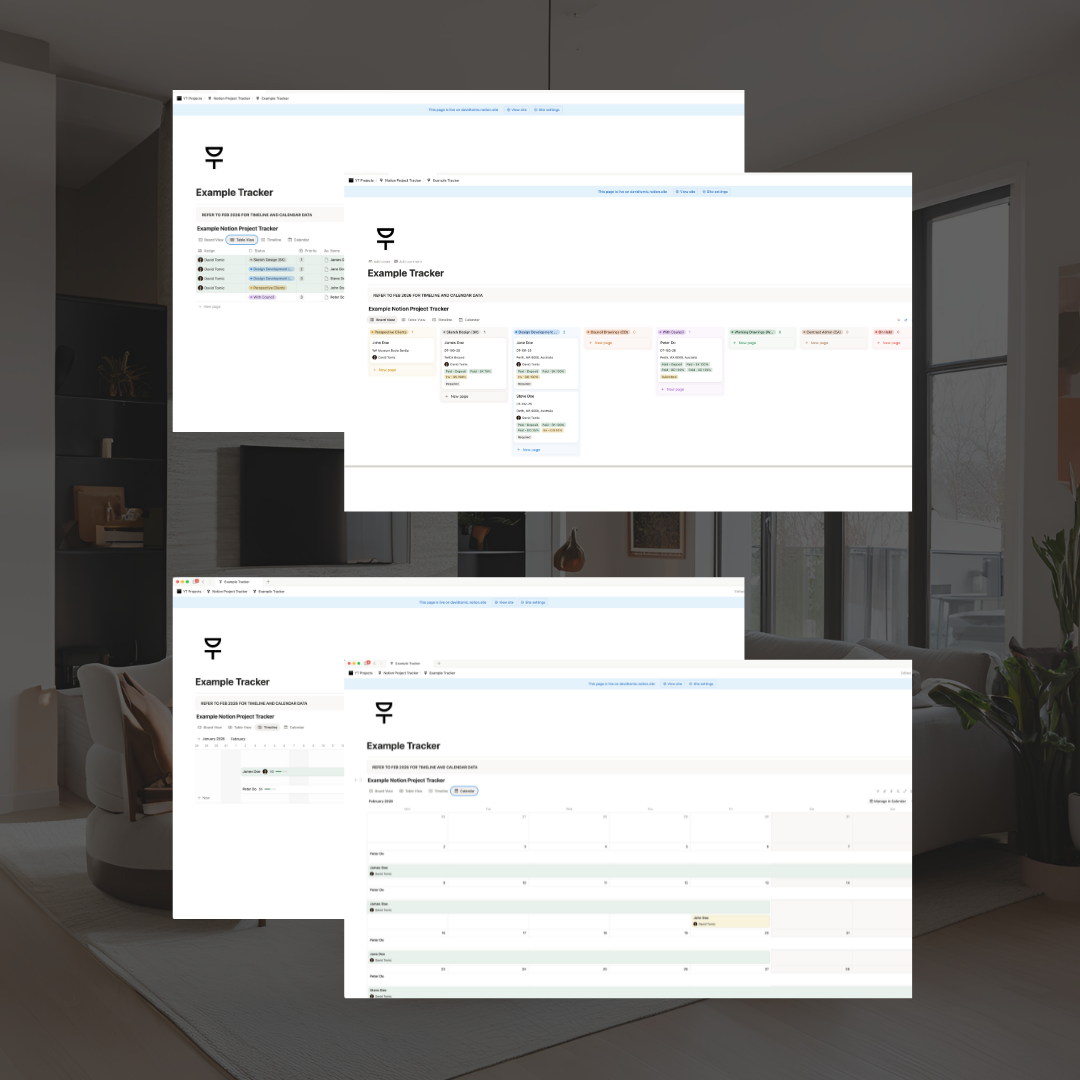
Board View – Studio Overview
The Board View provides a high-level snapshot of all projects at a glance, making it ideal for directors and senior staff.
Track:
- Project name and job number
- Address
- Assigned staff member
- Billing percentage
- Council requirements
- Key notes and risks
Perfect for weekly reviews, pipeline checks, and leadership oversight.
Table View – Team & Meeting Management
The Table View is designed for internal meetings and day-to-day team use.
Track:
- Staff allocation and ownership
- Project status and priority
- Stage progress
- Meeting notes
- Billing percentage
This view encourages accountability, allowing each team member to manage and update their own project data.
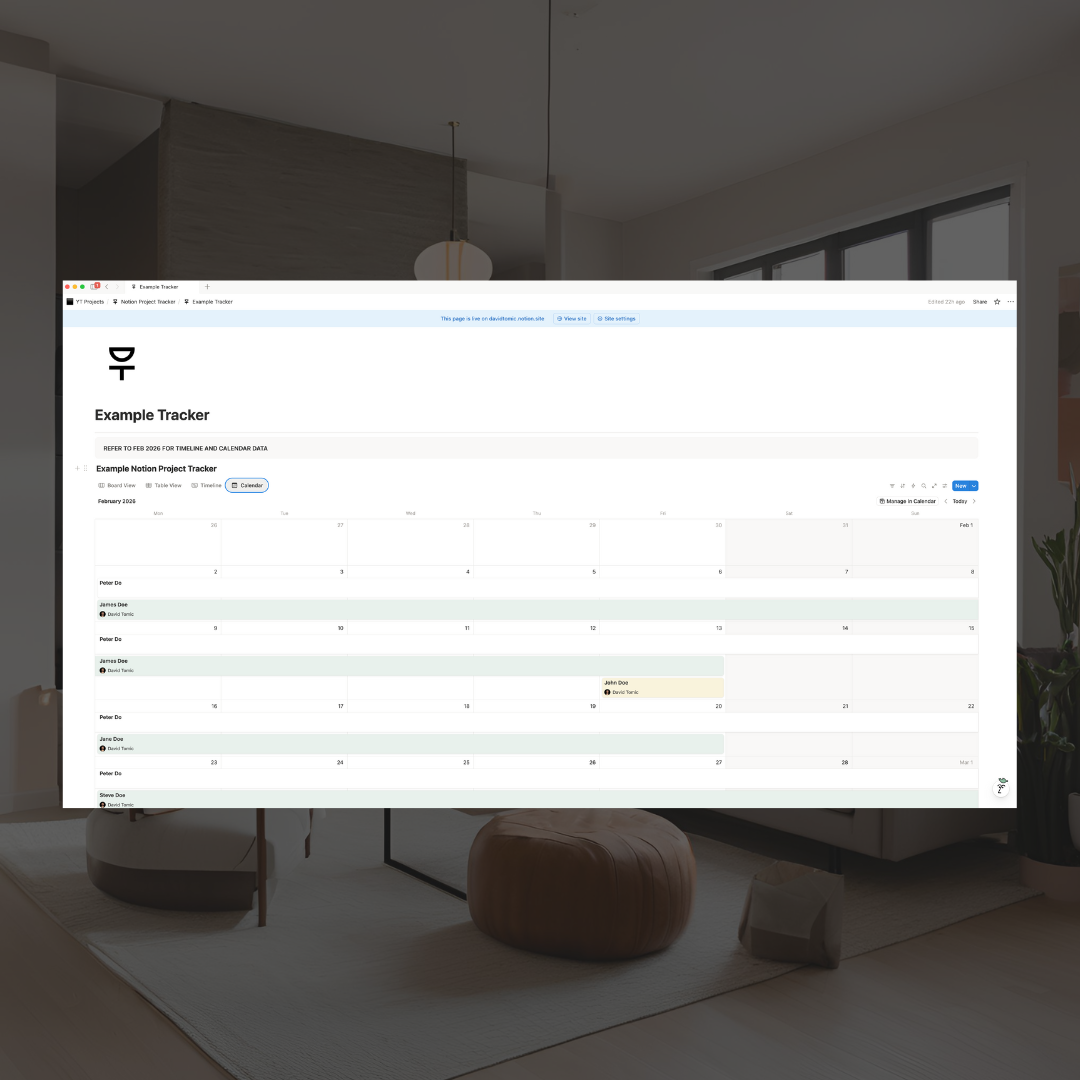
Timeline & Calendar Views – Forward Planning
The Timeline and Calendar views support short-term planning and workload forecasting.
Use these views to:
- Visualise upcoming project timelines
- Identify workload clashes
- Plan staffing and delivery milestones
For best accuracy, timelines should generally be entered no more than one month in advance, unless working on large, long-running projects.
What You Can Track Per Project
Each project entry can record a wide range of information, including:
- Project status and priority
- Assigned staff member
- Stage progress
- Address and job number
- Billing percentage
- Council requirements and status
- Civil
- Electrical
- Hydraulic
- Acoustic
- + More (18x pre-build consultant fields)
- Meeting minutes
- Project timelines
- Cautionary items and risks
- Even small details like the client’s coffee order
- Or add custom fields to suit your workflow
Who This Is For
- Architectural studios managing multiple concurrent projects
- Directors seeking clearer oversight without micromanagement
- Teams wanting ownership of their own project data
- Practices using Notion as part of their internal operations
Who This Is Not For
- Client-facing portals
- Financial accounting, time tracking or invoicing systems
- Small firms working on low volume projects (recommended minimum of 5x live projects to see full value)